

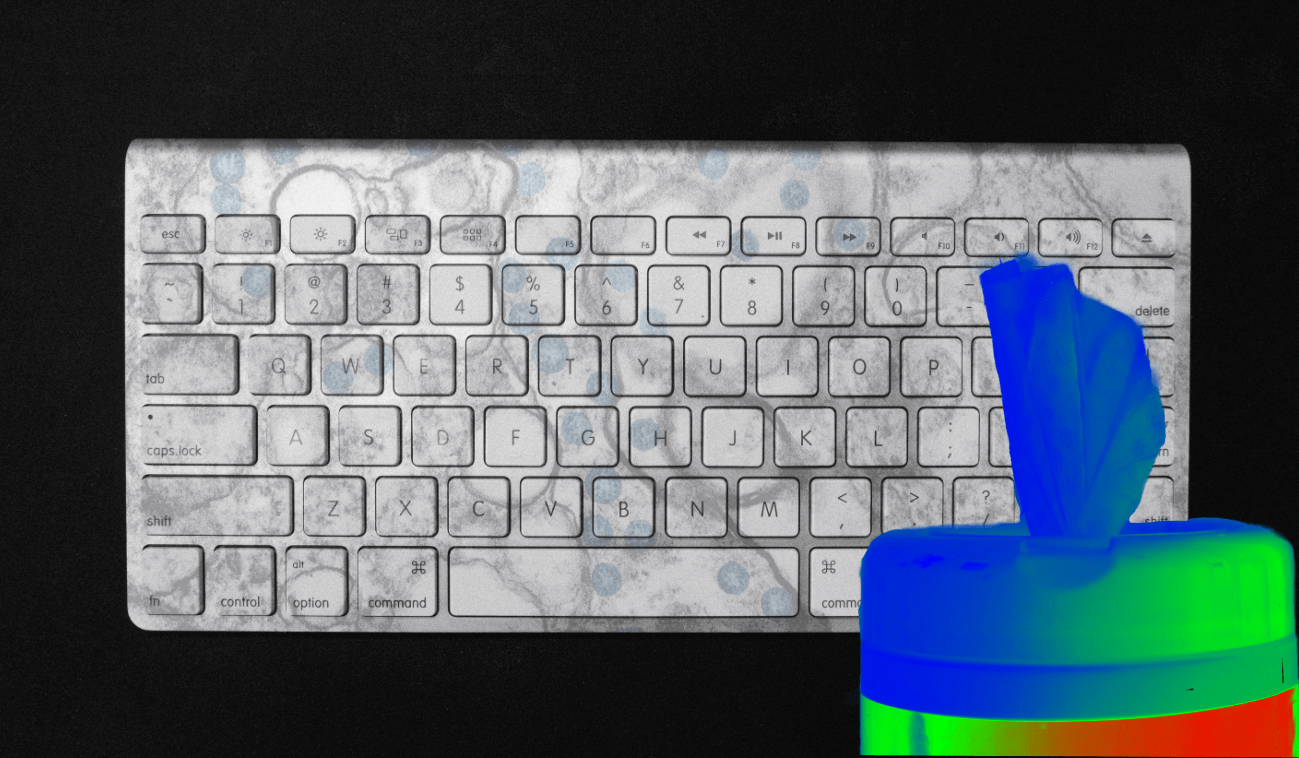
For a lot of us, the computer is the center of the working day. We spend hours typing, and in between we grab a snack, hit the bathroom, work out at lunch, shake a few hands. Everything you touch in a day ends up back on your keyboard.
Which makes your keyboard one of the dirtiest things you'll put your hands on all day.
So how dirty is it, really? And how often should you actually be cleaning the thing to keep your machine and yourself reasonably healthy?
Dirtier than a toilet seat (yes, really)
In 2009, the University of Arizona ran a study on how clean (or not) our keyboards are. The findings were grim. Keyboards harbor a whole zoo of bacteria, and the average desktop in their study carried over 400 times more of it than a toilet seat.
Revolting, but it tracks. A public toilet seat gets cleaned regularly, at least in theory. When did you last clean your keyboard? Our electronics just don't get the same attention, partly because we rarely put our butts on them.
I know the "is it dirtier than a toilet seat" study is a bit of a cliché at this point. But corny doesn't mean wrong. We do touch our keyboards constantly, the Arizona finding has been corroborated plenty of times since, and it comfortably passes the no-duh test.
So cleaning your keyboard on a schedule should be an easy yes.
So how often?
The best guidance I found while researching this lands on about once a week.
Bump that up during cold and flu season, when you're sick, or after you dump lunch into the keys. (We've all done it. No judgment for whoever sent that granola bar into the H key.)
Since writing this, I've tried to actually keep up with it, and it's surprisingly easy to forget. The thing that worked for me was putting a real recurring block on my calendar. Fridays at 2 p.m. does the trick.
Cleaning vs. disinfecting vs. sanitizing
Quick distinction first. Cleaning removes grime and some bacteria. Disinfecting kills germs. Sanitizing does both, and that's the bar we're aiming for here.
The routine below takes a few minutes and the supplies are cheap. As always, check your equipment manual if you're worried any of this could hurt your gear.
Steps to clean your keyboard fast
1. Power down. Turn the laptop or computer all the way off.
2. Get rid of the loose stuff - oil, crumbs, grime. A few ways to do it, ranked by how well they worked for me:
- Compressed air. Fastest and most effective thing I tested. Canisters are cheap and they blast the bigger particles out quickly.
- Cleaning slime. Nearly as good as compressed air, and some brands claim a disinfecting bonus. Downside: it's a little weird and a little messy.
- Clear tape. Works in a pinch but it's the weakest option. Press packing or Scotch tape onto and between the keys to lift particles out.
3. Disinfect the keys. Wipe them down with a standard disinfectant wipe. Don't let it be too damp, since excess moisture is what kills keyboards. Skip anything with bleach, which can strip the finish off your keys.
4. Hit the rest of the workspace. Same wipe, now for the outside of the laptop, the desk, and the other high-touch spots around you.
Final tip: you can clean your screen with disposable glasses wipes. They're great, and you'd be surprised how much nicer it is to work on a screen that isn't filmed over.